
Download our browser here
Choose your OS and start downloading the browser built for your device
If the download hasn't started, contact our support team


FAQ
Frequently asked questions:
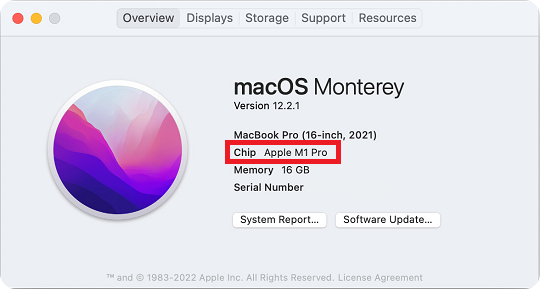
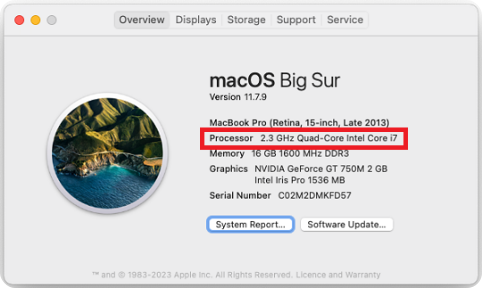
To find out which processor your Mac runs on:
Click the icon in the menu bar, in the top-left cornerof the screen, then choose “About This Mac”
Chip/processor info is shown in the “Overview” tab
Can't be opened because Apple cannot check it
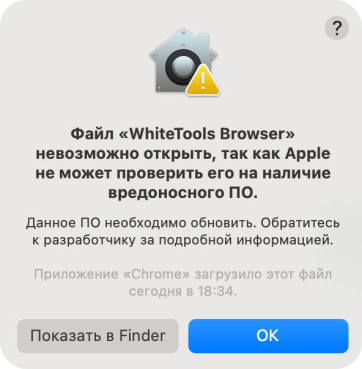
Since Apple introduced mandatory app notarization,
starting with macOS Catalina the system won't run an unverified app, even
if it's signed by a registered developer. As a result,
the app can't be launched.
Solution:
In "System Preferences", click "Security & Privacy" and select "General".
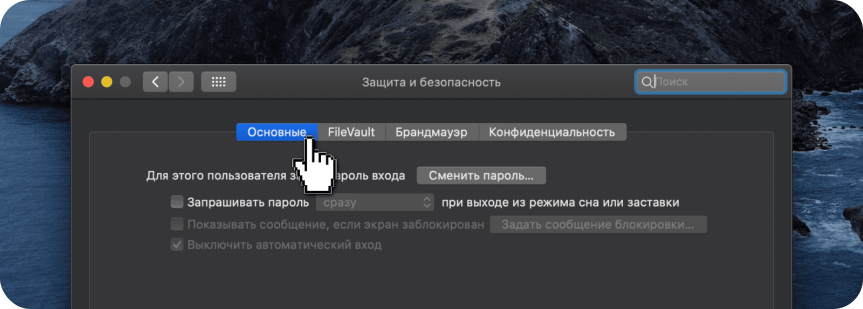
Click "Open Anyway" to launch the blocked app.
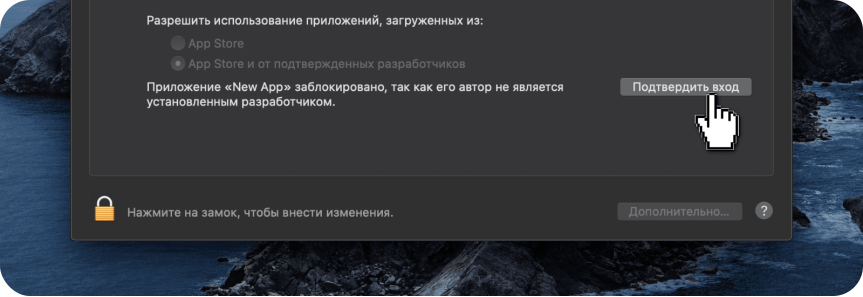
In the dialog that appears, click "Open".
Instructions for newer macOS versions
After trying to open the app, do the following:
1. Go to “System Settings”.
2. Select “Privacy & Security”, scroll down and click
“Open Anyway” to confirm you want to open or install the app.
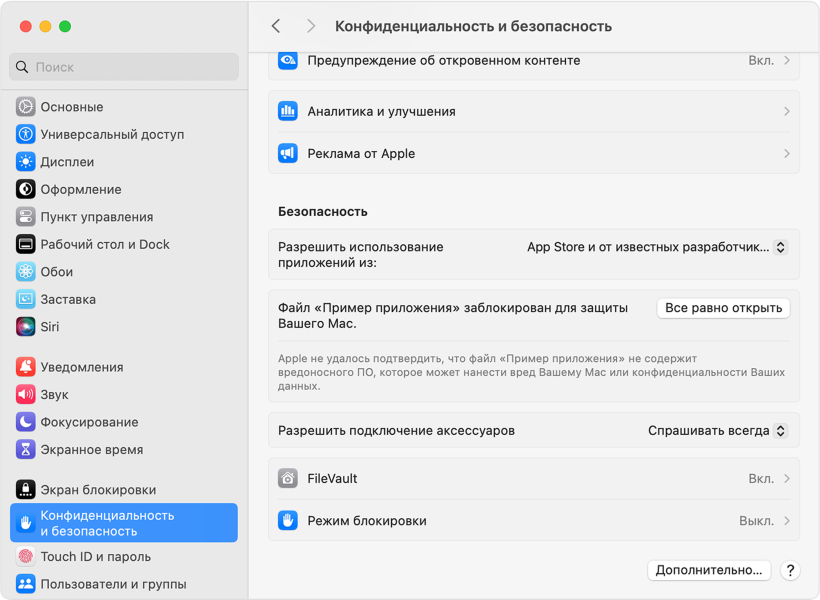
3. A warning will appear again. Click “Open”.
The app will be saved as an exception to your security settings, and you'll be able
to open it by double-clicking, just like any other authorized app.
If you have any questions, feel free to message us
Please wait, we're checking
your OS...
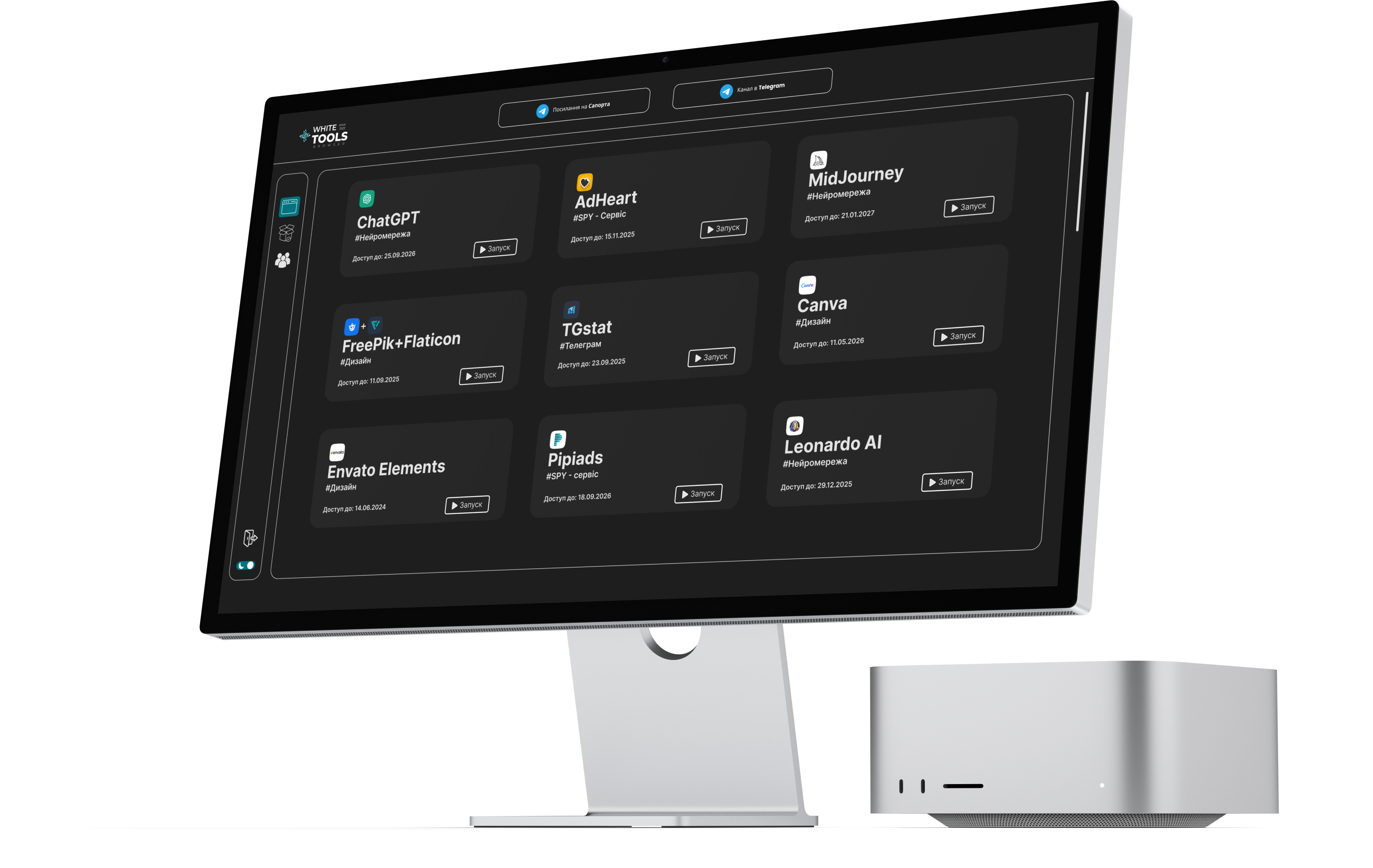
Download the browser on your PC
The WhiteTools Browser app is available
for desktop only. Please open this page
on your work computer.
 Back